Suppliers
Maintain your supplier directory before recording purchase receipts or opening balances.
-
Step 1
Open Suppliers
Purchasing → Suppliers lists every normal supplier. Search by name or phone.
Screenshots show the English workspace UI.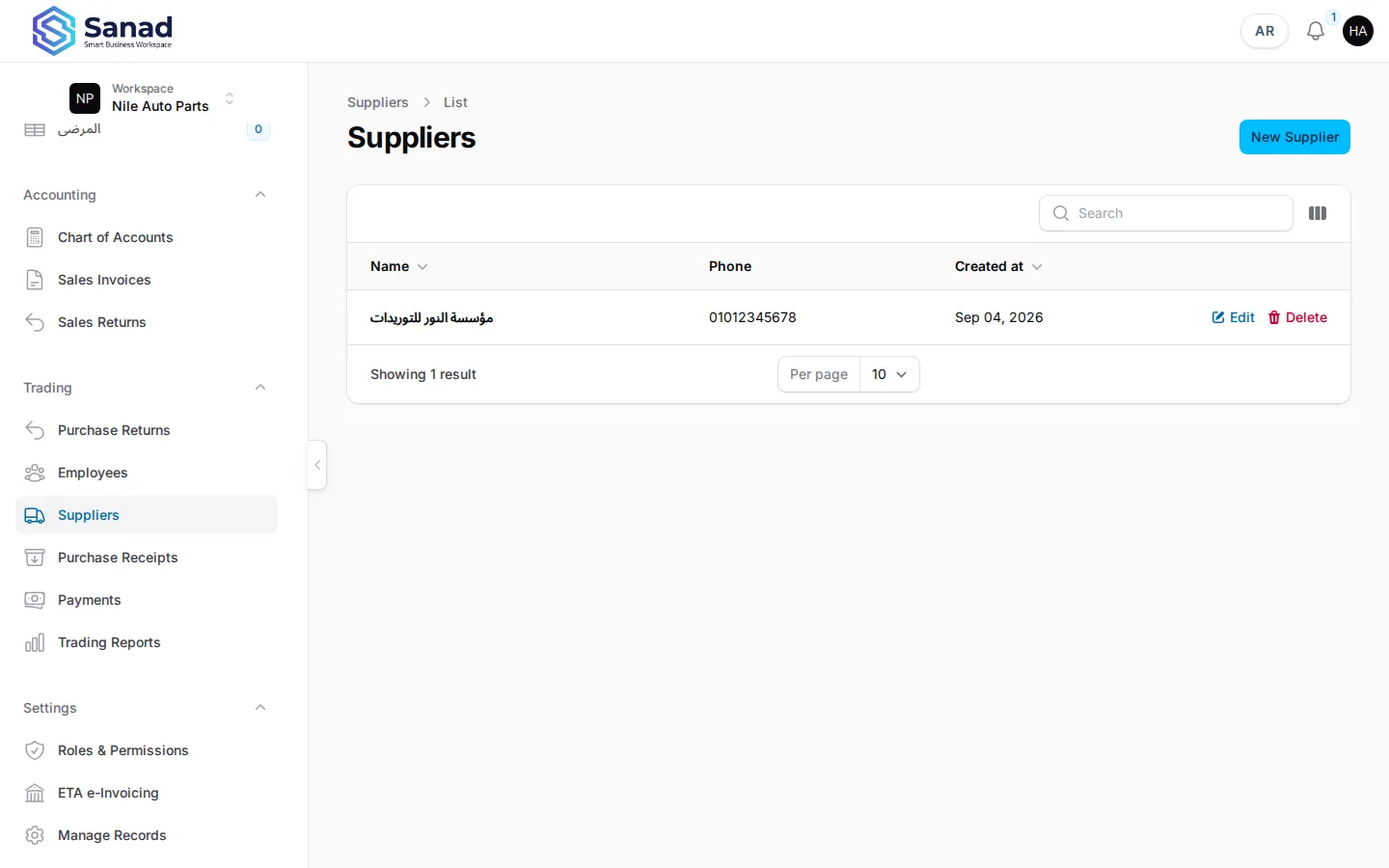
-
Step 2
Create a supplier
Create, enter name (required), phone, address, and notes. Save. You cannot edit a supplier after save in this release — create a new one if details change.
Screenshots show the English workspace UI.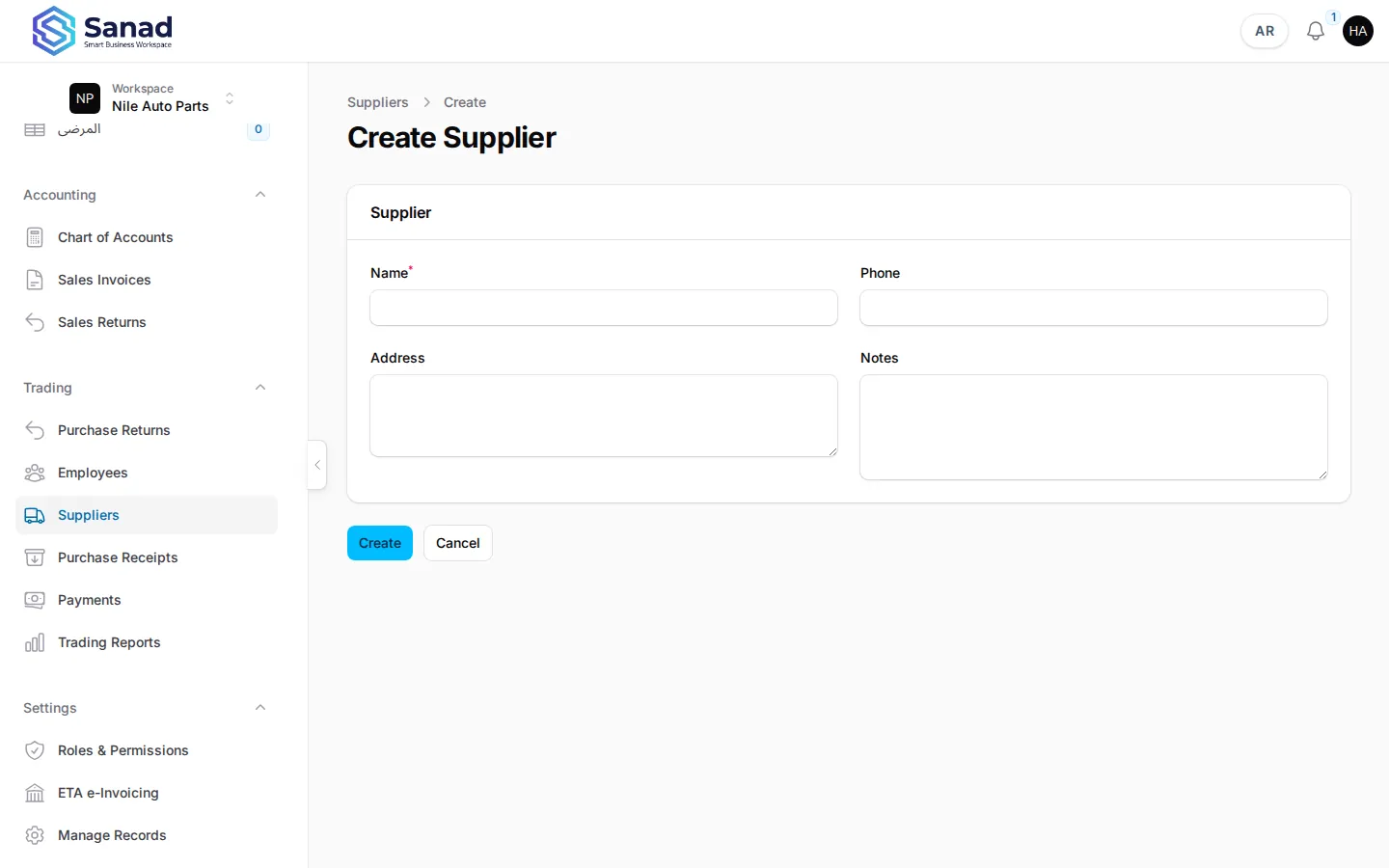
-
Step 3
View supplier history
Open View on a row to see details. Purchase receipts linked to the supplier appear in Purchases reports, not on this card.
Screenshots show the English workspace UI.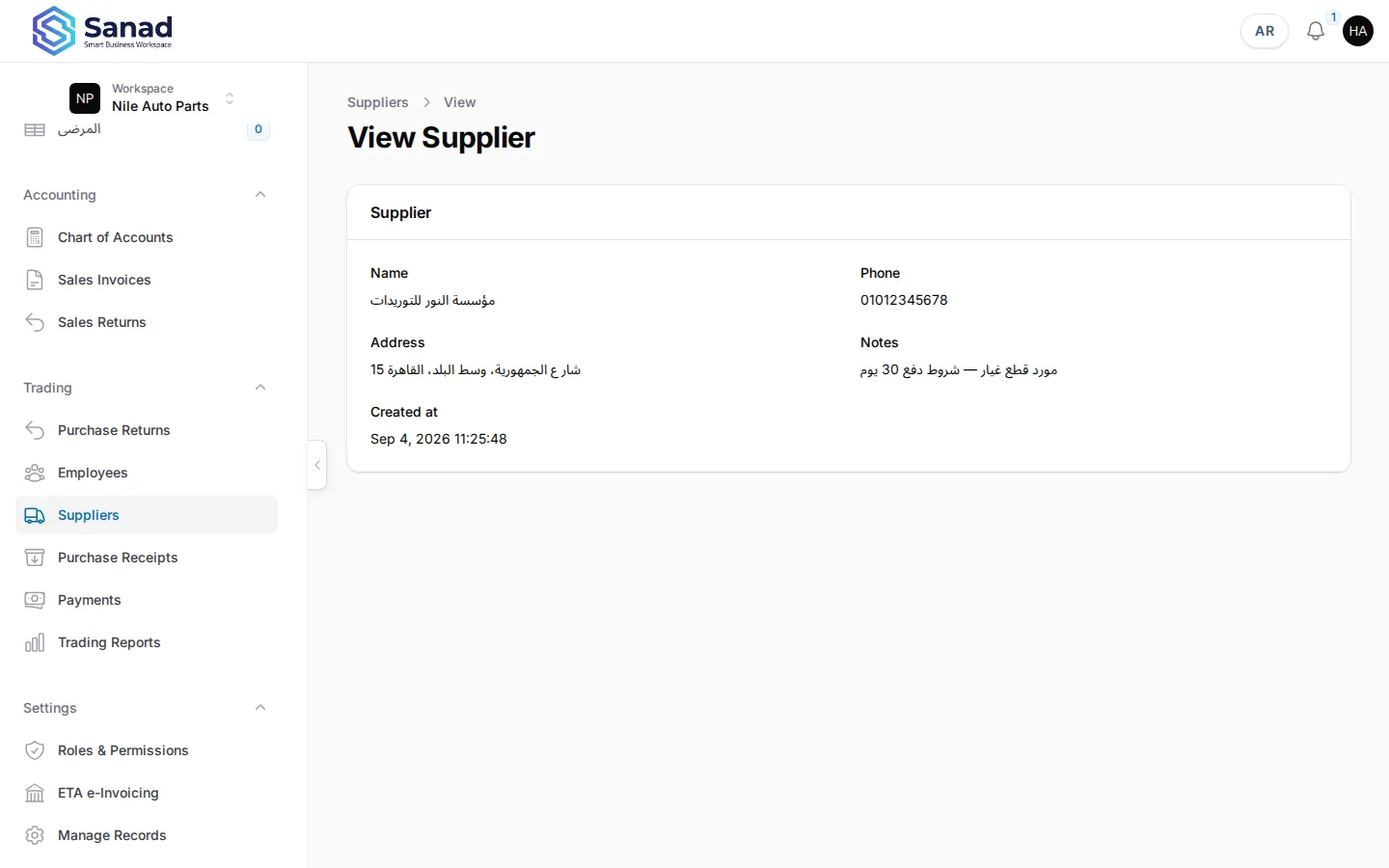
Related articles
Products, warehouses, and transfer
Trading shops sell Products, keep quantity in warehouses, and move stock with a direct transfer. Sales always use the default warehouse (Main).
Purchase receipts
Record stock received from a supplier. Stock and supplier balance (AP) update together when you save.
Trading Pack overview
Summit workspaces get suppliers, purchase receipts, returns, AR/AP balances, payments, opening balances, and trading reports. Cash sales stay simple; credit sales post to the customer balance.